Furniture from the stores near you, in one checkout
A US furniture marketplace with ZIP-based search across local stores, one checkout and per-store fulfillment
- Client
- Couch Compare
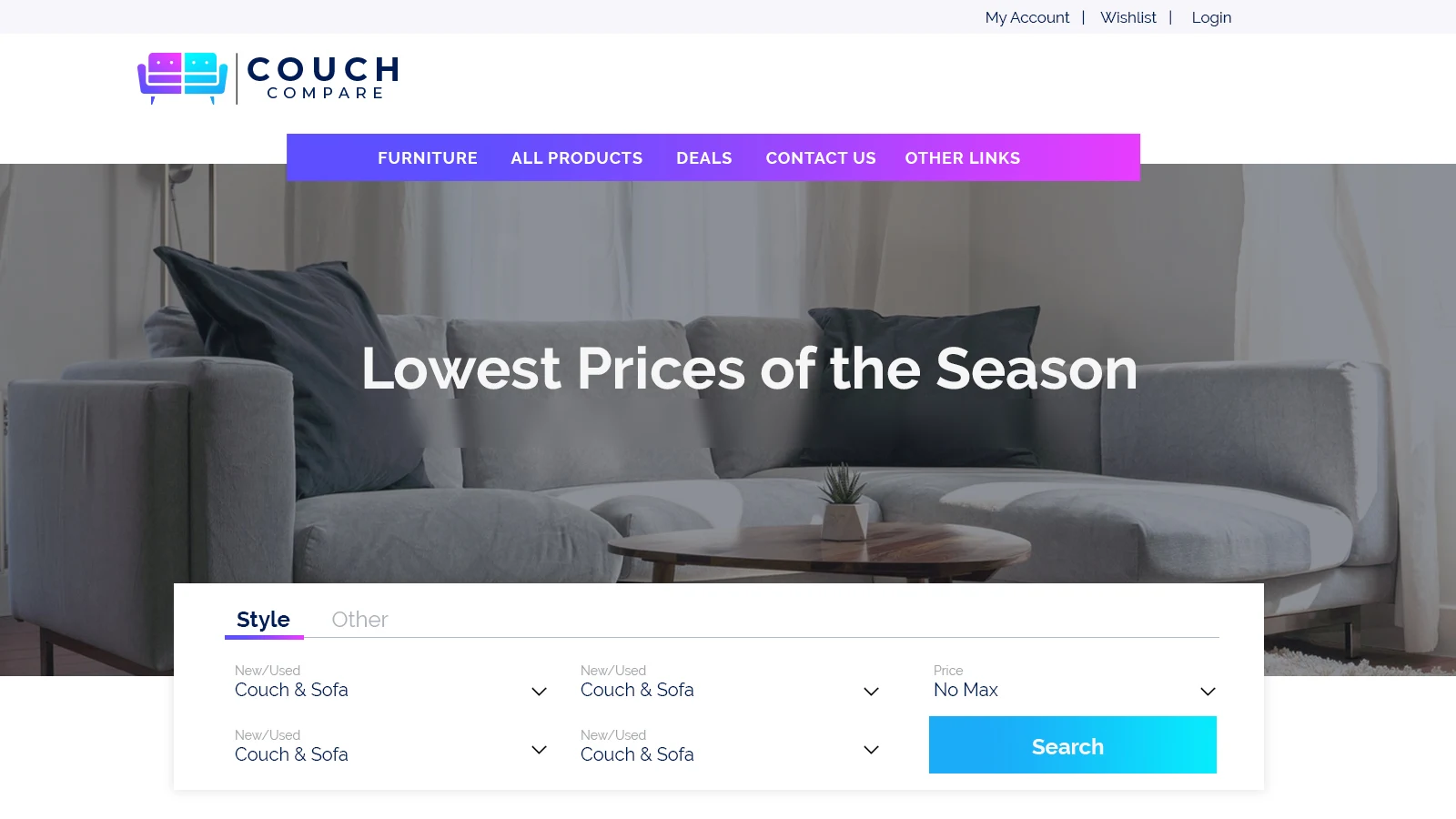
Buying furniture online usually means choosing from a national catalog and waiting weeks for delivery. Couch Compare starts from the other end: what can the furniture stores near you deliver? Shoppers search by category and ZIP code, compare what local stores have in stock, and check out once, even when their order comes from several stores. Toobler built the marketplace: the storefront, the admin and merchant apps, the API behind them, and the order flow that splits one purchase across the stores that fulfill it.
Customer and context
Couch Compare is a US furniture marketplace built around local availability. Stores list their inventory; shoppers search by category, ZIP code and distance; and every product shows whether it can be delivered to them. A shopper can fill one cart from several stores and pay once, while each store sees and fulfills only its own part of the order.
Toobler built the platform in sprints from December 2021 to April 2022, from the first Next.js pages through search, cart and checkout, the admin and merchant order flow, emails and refunds, to the shopper’s account area, with demos at each stage and a production deployment on Google Cloud.
The challenge
- Availability depends on where you are. The same sofa might be in stock five miles away and unavailable fifty miles away, so search, product pages and the cart all had to know the shopper’s location.
- One checkout, many stores. A single order can include items from different merchants, each of whom needs to confirm, deliver and be tracked separately.
- Everyone needs to know what’s happening. Shoppers, merchants and the Couch Compare team each needed the right notification at each step.
- Money has to add up. Payments, refunds and partial refunds had to be recorded against the right order and items.
- Three apps, one platform. A storefront for shoppers, an admin app for the Couch Compare team and an app for merchants all had to share one API and one deployment.
The solution
Search that starts with location. Shoppers pick a category, enter a ZIP code and choose a radius of 25, 50 or 100 miles. If they don’t enter a ZIP, the site detects one from their connection. Search works from a ZIP in the URL, a detected ZIP, or a city: Couch Compare cities have their own pages and breadcrumbs. Categories drive the menus, the footer and the browse pages. Product pages work without a ZIP, show whether the item can be delivered to the shopper, and replace the Add to Cart button with “not available in your area” when no nearby store can supply it. When several stores stock the same product, each gets its own buy button, with regular and sale prices.
A cart and checkout across stores. Items go into one cart, even before the shopper signs in, and stay linked to the store that supplies them. At checkout, shoppers sign in or register in a quick modal, add or choose shipping and billing addresses (with “same as billing”), and pay with Stripe. The order, its items and the payment transaction are recorded together, and the shopper lands on an order-placed page and receives a confirmation email.
One order, split by store. Each order is divided into fulfillment orders, one per merchant. In the admin app, the Couch Compare team sees orders and fulfillment orders in tables, with details grouped by store, and confirms each order. Merchants see their fulfillment orders in their own app, confirm them and mark them delivered. An order shows as partially completed until every store’s part is done, and the team then marks it complete.
The right email at every step. SendGrid emails go to the team when an order is placed, to the merchant when the team confirms it, to the shopper when the merchant confirms and when items are delivered, and to the team when a merchant marks a delivery.
Refunds and payment records. Payments run through Stripe customers, refunds can be full or partial, and every refund is recorded as a transaction against the order and the items it covers, with payment activity tracked throughout.
An account area for shoppers. Shoppers have a profile, a list of their orders with each item’s status and delivery date, a wishlist, saved addresses with a default, and password management, with a profile menu in the header. Products can carry reviews and ratings, with totals and averages on each product.
Built on Google Cloud. The storefront is built with Next.js and Tailwind CSS, the admin and merchant apps with React, and the API with Node.js on MongoDB, documented with Swagger. The platform started on Google App Engine and moved to Kubernetes on Google Cloud, with routing that serves the storefront, admin and merchant apps from one domain, and Docker-based instructions for deploying each part.
A key workflow: a sofa and a lamp from two stores
- A shopper in Atlanta searches for living room furniture within 25 miles of their ZIP code.
- They add a sofa from one store and a lamp from another, then check out once with Stripe.
- The order splits into two fulfillment orders; the Couch Compare team confirms the order, and each store is emailed its part.
- The sofa store confirms and delivers first; the shopper gets an email, and the order shows as partially complete.
- When the lamp arrives, the second store marks it delivered and the team marks the order complete.
Engineering worth naming
- Location as a first-class input. ZIP codes, radius, IP-based detection and city pages shape search, availability and checkout.
- Orders modeled the way stores work. Splitting each order into per-merchant fulfillment orders gives every store a clear task and the team a clear view.
- Payments that reconcile. Transactions recorded for payments, refunds and partial refunds keep the money traceable to each item.
- Three apps, one platform. Storefront, admin and merchant apps on a shared API, deployed together on Kubernetes.
Results
Toobler built Couch Compare’s marketplace: location-aware search across local furniture stores, a single cart and Stripe checkout across merchants, an order flow that splits every purchase into per-store fulfillment, emails at each step, refunds, and a shopper account area, on a Next.js, React and Node.js platform running on Google Cloud.
For any marketplace where what’s available depends on where the buyer is, Couch Compare shows the essentials: make location part of every search, model orders the way sellers actually fulfill them, and keep every party informed as the order moves.
Related work and capabilities
- Case study E-commerce · Marketplace
A two-sided marketplace, built for sneakers
How Toobler built ShoeperMarket — a dedicated two-sided marketplace for buying and selling shoes: Solr-powered catalog search, offers, a demand-capturing Hunt List with smart matching, and full seller and buyer flows.
- Industry
E-commerce & Marketplaces
How you sell is specific to you, and a template store makes you sell the way it was configured. Toobler builds the stores, marketplaces, catalog search, checkout and integrations commerce businesses run on.
Proof, engineered
Case studies from Toobler — real platforms engineered across event technology, construction and digital twins. The work behind the claims.